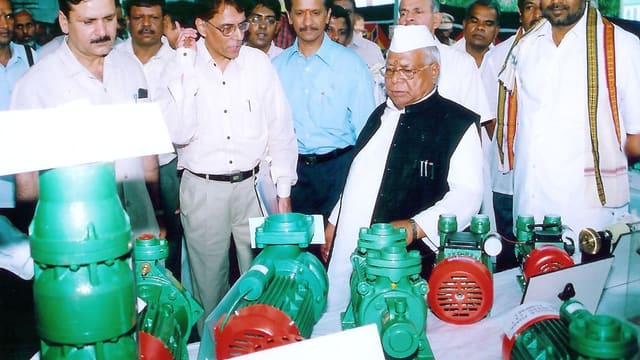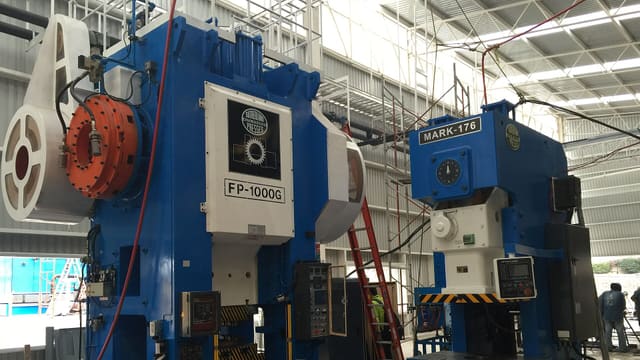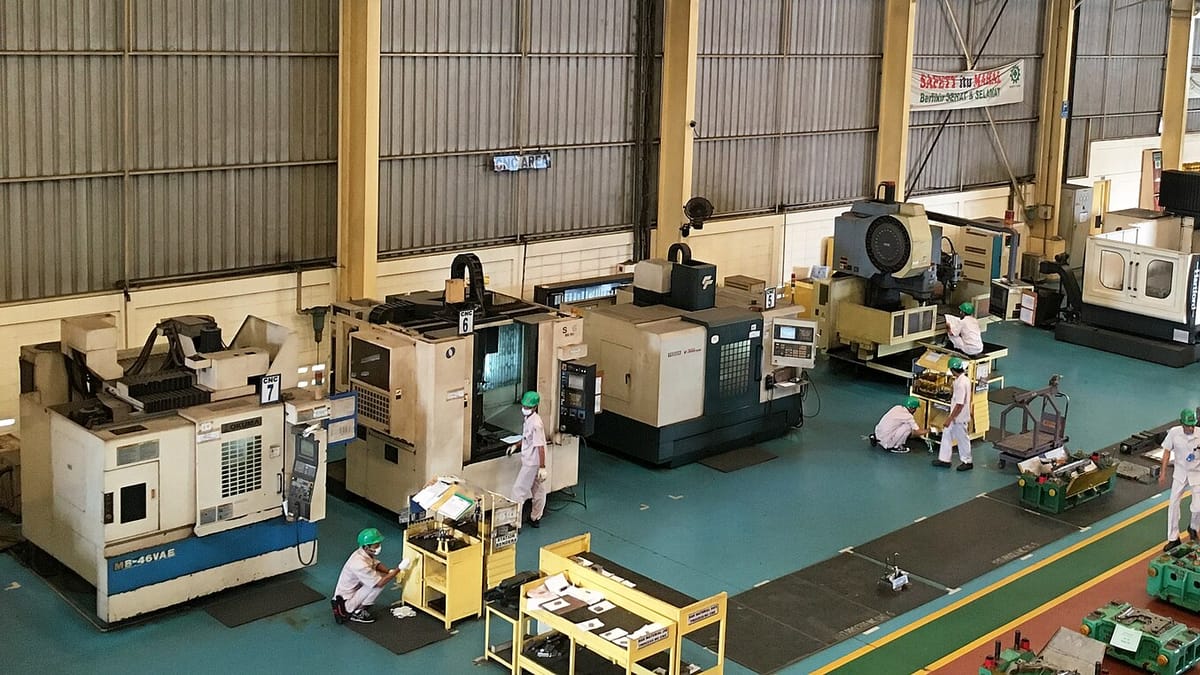
Walk into a typical Indian job shop — a machine shop in Peenya, a sheet-metal unit in Pimpri-Chinchwad, a press shop in Faridabad — and you will find a business that makes almost nothing the same way twice. This week's orders include a repeat bracket for a regular customer, a new shaft from a drawing that arrived on email yesterday, a revised version of a housing with one hole moved, and five prototype parts for an OEM development team. Each order has its own drawing, material, operations and price.
That variety is the job shop's strength: it is why customers come back. It is also why so many job shops have tried an ERP and gone back to Excel. This guide explains what a manufacturing ERP must do to work in a make-to-order job shop, the mistakes that make ERP projects fail in this kind of business, and a phased way to get the benefits without stopping the shop.
How a job shop differs from a product company
Packaged ERPs were mostly designed for companies that make a catalogue of their own products. A pump maker has a few hundred models; each has a stable bill of materials and routing; sales sells from the catalogue and production replenishes stock. The ERP is organised around the item master, and everything else hangs from it.
A job shop is organised around the customer order and the customer's drawing. The differences show up everywhere:
- New parts every week. A busy shop may quote dozens of new parts a month and win a fraction of them. Creating a full item, BOM and routing for every enquiry is wasted effort; not creating them means the ERP doesn't know what is being made.
- The drawing is the specification. Each part is defined by a customer drawing with a revision letter. Making to the wrong revision is one of the most expensive mistakes a job shop can make.
- Customer-supplied material. Many orders come with the customer's own bar, castings or forgings. That material is not yours, must be tracked separately and must be accounted for, including scrap and returns.
- Operations go outside. Heat treatment, plating, painting, grinding or gear cutting often happen at vendors under job-work challans, and the job is only complete when the parts come back.
- Prices are per part, per customer. The same part may have a different rate for different quantities, and rates change with material prices.
- Costing is per job. The owner's real question is not "what does this item cost?" but "did we make money on this order?"
An ERP for a job shop has to put the order, the drawing and the job at the centre, and treat the item master as something that grows from orders rather than something that has to be complete before anything can happen.
The job-shop flow, step by step
Most make-to-order shops follow the same broad flow. A useful ERP supports each step without making the user re-enter what the previous step already knows.
1. Enquiry and drawing
An enquiry arrives by email or from a buyer's portal with one or more drawings. The ERP records the customer, the part number, the drawing and its revision, the quantity bands asked for and the reply date. The drawing file is stored against the enquiry, not in someone's inbox. Even this first step solves a common problem: when the customer phones a month later to ask about "the quote for the flange", anyone can find it.
2. Estimate and quotation
The estimator works out material (size, weight and rate), operations (machine, setup time and cycle time), outside processes and their rates, tooling or fixtures, inspection and packing, then adds overheads and margin. In many shops this lives in a personal Excel template. Moving it into the ERP has two benefits: estimates follow one method, and they become a record that can later be compared with what the job actually cost. Our guide to manufacturing quotation and estimating covers the method in detail; machine hour rates are the foundation of it.
3. Order and part record
When the purchase order arrives, the quotation becomes a sales order. If the part is new, this is the moment to create the item: part number, customer, drawing revision, material, the routing from the estimate, and the agreed rate. If it is a repeat, the ERP should check the drawing revision on the PO against the last one made and warn if they differ. That single check prevents a large share of job-shop quality disasters.
4. Material
The ERP checks whether material is in stock — your own, or the customer's — and raises a purchase indent if not. Customer-supplied material is received on its own GRN against the customer's challan and kept in a separate stock, tagged to the customer, so it can't be used on another job by accident.
5. Job card and production
A work order (job card) is created from the sales order, with the routing, the drawing and the material to be issued. Material is issued against the job. As each operation is completed, the quantity and any rejections are booked — on paper at first if necessary, on a tablet later. Outside operations go out on a job-work challan and come back against it.
6. Inspection, dispatch and invoice
Final inspection records the result against the job. Dispatch creates the delivery challan and tax invoice from the order, with the customer's part number, PO reference, HSN code and the quantity actually inspected and packed. Partial dispatches leave the balance open on the order.
7. Job closure and costing
When the job is closed, the ERP compares actual material, machine hours, outside processing and rejections with the estimate. Over a few months this becomes the most valuable report in the business: which customers, parts and types of work actually make money.
What a job-shop ERP must handle
Drawing revisions
Each part keeps a history of drawing revisions, with the file for each. Orders, job cards and inspection reports record which revision they were made to. When a new revision arrives, the ERP flags open orders and work in progress made to the old one, so someone decides what to do with them before the parts are dispatched.
Quantity-band and customer-specific rates
Rates per part, per customer and per quantity band, with an effective date. Material-linked parts may need a base rate plus a material adjustment. The ERP should use the right rate automatically on the order and the invoice, and keep the history of rate changes for when the customer disputes an invoice.
Customer-supplied material
Received, stored and issued separately; consumed against the customer's jobs; with scrap, end pieces and rejections accounted for and returned or reconciled. Customers increasingly ask for a periodic reconciliation statement, and producing it from the system rather than from registers saves days.
Job work with vendors
Parts sent out for heat treatment, plating or grinding on a job-work challan, with the vendor, quantity, weight and expected return. The balance at each vendor is visible at any time, and the job shows "at vendor" rather than disappearing from view. Our guide to job-work challans and balances covers the details.
Repeat orders without re-work
A repeat order should take a minute to enter: pick the part, confirm the revision, enter the quantity and date. Material, routing and rate come from the last time. Repeat business is where a job shop makes its best margin, and the ERP should make it effortless.
Prototypes and one-offs
Development orders for OEM customers are often small, urgent and unprofitable on their own, but they lead to production business. The ERP should allow a job without a full item set-up, track its cost, and convert it into a regular part if the production order follows.
The mistakes that sink job-shop ERP projects
- Trying to create every item and routing before go-live. The shop has thousands of historical parts, most of which will never be ordered again. Create items as orders arrive; import only the parts ordered in the last year or two.
- Insisting on detailed routings for every job. For many one-off jobs, the estimate's operations are good enough. Detailed routings matter for repeat parts, where the effort pays back.
- Switching everything on at once. Sales, purchase, stores, production, quality and costing all at the same time overloads a small team that is also running the shop. One complete flow, fully used, comes first.
- Ignoring the shop floor. If operators and supervisors can't book work easily, production data won't be entered and job costing will be fiction. Booking must be quick — a phone or tablet near the machines, not a PC in the office.
- Treating the ERP as an accounts project. In a job shop the ERP's value is operational: right revision, right material, on-time dispatch, real job cost. Accounts can stay in Tally.
A phased roll-out for a 30 to 150-person shop
- Phase one — orders, drawings and dispatch. Enquiries, quotations, sales orders with drawing revisions, delivery challans and invoices, finished-goods stock. This alone ends lost quotes, wrong revisions and invoicing errors.
- Phase two — material and job work. Purchase, GRN, raw-material stock, customer material and job-work challans with vendor balances.
- Phase three — job cards and production booking. Work orders from sales orders, material issue against jobs, operation booking on the floor and WIP visibility.
- Phase four — costing and planning. Job costing against the estimate, machine load and delivery-date planning.
Each phase should run in parallel with the old method for a few weeks, then the old method stops. Starting phase two before phase one is used every day is the most common way these projects stall.
A worked example
A precision machining shop with 45 people and 22 machines makes shafts, flanges and housings for pump and valve makers. Before the ERP, enquiries lived in the owner's email, quotations in an Excel template, orders in a register and job cards on paper. Twice in a year, parts were made to an old drawing revision because the job card was copied from the previous order.
Phase one put enquiries, drawings and orders in one place. The revision check on repeat orders flagged a mismatch in the first month. Phase two added customer-supplied castings, which three of the shop's customers provide, and job-work tracking for heat treatment and plating. Phase three moved job cards onto two shared tablets. By the time costing was added, the shop had several months of real operation times, and the first job-cost report showed that a group of small, complex parts for one customer were consistently priced below cost — information that changed the next round of rate negotiations.
The details of each shop differ, but the pattern is common: the early phases fix errors and save time; the later phases change how the shop prices and plans.
What to ask before you start
- How does the system handle new parts that arrive every week without a heavy item set-up?
- Where are drawings stored, and how are revisions checked on repeat orders?
- How is customer-supplied material kept separate and reconciled?
- How are job-work challans and vendor balances handled?
- Can operators book work from a phone or tablet near the machine?
- How will sales and purchase data reach our accountant?
- What exactly is in phase one, and when can we stop the old registers?
- Who owns the code and the data?
Working with Corposol
Corposol builds custom manufacturing software for Indian SMEs, including make-to-order ERPs for machine shops, fabricators and press shops. We start with one complete flow, built around your documents, and add modules on the same database as each phase is used. Read how we built production management software for a precision machining company. All custom code is transferred to you on final payment.
Frequently asked questions
What is a make-to-order job shop?
A factory that makes parts or assemblies only against customer orders, usually to the customer's drawing. Each order may be a new part, a repeat part or a revised part, in quantities from a handful to a few thousand. Machine shops, sheet-metal fabricators, press shops, toolrooms and many engineering firms work this way.
Why do standard ERPs struggle in job shops?
Most packaged ERPs assume a stable product catalogue with fixed BOMs and routings. A job shop creates new parts every week, works to customer drawings with revisions, processes customer-supplied material and sends work out to vendors. Forcing that into a catalogue-based ERP creates thousands of one-off item codes and a lot of manual work around the system.
Can a small job shop afford its own ERP?
A custom ERP built in phases can be sized to the shop. Phase one is usually enquiry-to-dispatch for orders and stock, used by a handful of people. Further modules are added only when the first one is fully used.
Do we need to change our accounting software?
No. Most Indian job shops keep Tally or their existing accounting software for books and GST returns. The ERP handles orders, production and stores, and the way sales and purchase data reaches the books is agreed with your accountant.