
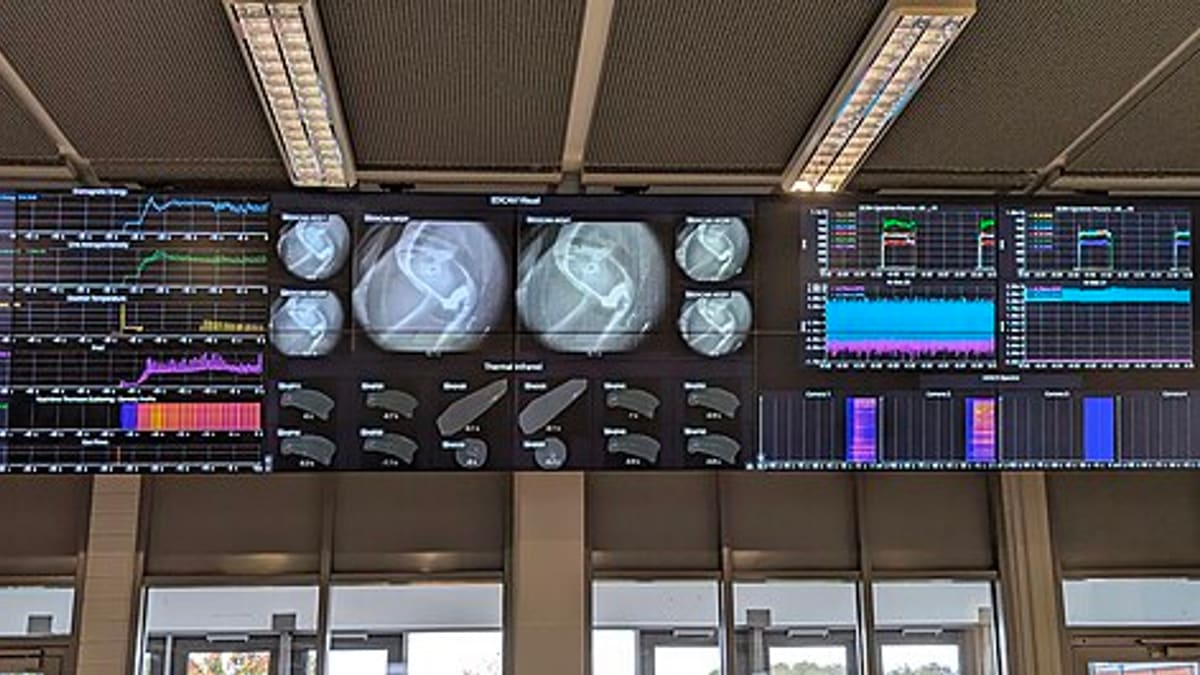
Most service businesses have reports. Far fewer have dashboards that people actually use to make decisions. The difference is design: a good dashboard answers the questions a specific person asks every day, shows whether things are on track at a glance, and lets them drill into problems in one or two clicks. A poor dashboard shows every number available and leaves the viewer to work out what matters.
This guide explains how to design field service dashboards around roles, which KPIs belong where, and how to make dashboards drive action.
Start with roles and questions
Different people need different views:
- Owner or managing director: Is the business growing? Are customers happy? Are we making money? Is cash coming in?
- Operations manager: Are we meeting SLAs? Where are the bottlenecks? Which branches or teams need help?
- Branch supervisor: What's open today? Who is overloaded? Which jobs are at risk of breaching?
- Dispatcher: Which jobs are unassigned? Where are technicians? Who can take the next urgent call?
Write down the five or six questions each role asks, then choose KPIs that answer them. Anything that doesn't answer a question doesn't belong on the main screen.
Owner dashboard
Owners need a short monthly and weekly view: revenue by service line, contract base and renewal rate, jobs completed, average customer rating, SLA compliance, collections and overdue receivables. Trends matter more than single numbers — a twelve-month line showing contract base growth tells a clearer story than this month's figure alone.
Operations manager dashboard
Operations managers need performance and bottlenecks: response and resolution time against SLA, first-time fix rate, repeat visits within thirty days, jobs per technician per day, backlog age, PM visits overdue, and parts-related delays. Comparing branches or teams side by side shows where to focus. See field technician KPIs.
Supervisor and dispatcher views
These are live operational screens: open jobs by status, jobs at risk of SLA breach in the next few hours, unassigned jobs, technician status and location, and today's PM visits not yet started. Colour coding — green, amber, red — lets a dispatcher spot problems from across the room. These screens should update in real time and link directly to the job to take action.
Technician view
A personal summary in the technician app — jobs completed this week, first-time fix, customer ratings and pending reports — encourages ownership. Keep it simple and fair: technicians who handle harder jobs or longer travel shouldn't look worse because the measure ignores that.
Design principles
- Few headline numbers: five to eight per screen, with detail one click below.
- Targets beside actuals: a number means little without a target or trend.
- Consistent definitions: agree exactly how each KPI is calculated, and write it down.
- Drill-down to the record: from "12 jobs at risk" to the list, to the job itself.
- Mobile-friendly: managers often check dashboards on their phones.
Making dashboards drive action
A dashboard only creates value when someone acts on it. Build it into routines: dispatchers check risk screens hourly, supervisors review the daily view at a morning huddle, managers hold a weekly review of trends and exceptions, and owners review the monthly summary. When a KPI turns red, the owner of that KPI explains why and what they will do.
Data quality first
Dashboards are only as good as the data behind them. If technicians close jobs hours after finishing, response and resolution times will be wrong. If job types are chosen carelessly, analysis by type is misleading. Mandatory fields, automatic timestamps from the app and simple drop-down lists improve data quality far more than instructions.
Common mistakes
- One dashboard for everyone, cluttered with dozens of charts.
- KPIs without targets or definitions.
- Monthly-only reporting, so problems are seen weeks late.
- No owner for each KPI.
- Building dashboards before data capture is reliable.
How software helps
When jobs, contracts, technicians, parts and feedback are all in one field service system, role-based dashboards become a natural by-product. Each role sees its own view, with drill-down to the records behind every number. See field service management software.
Talk to us about dashboards designed for your team.
An example: from monthly reports to a daily huddle
A lift and escalator service company with five branches produced a long monthly report that arrived two weeks after month end. By the time managers read that SLA compliance had fallen in one branch, the cause — a technician on leave and a backlog of PM visits — was long past. The company replaced the report with three role-based views. Dispatchers got a live screen of breakdowns by elapsed time against the four-hour response target. Branch supervisors got a morning view of overdue PM visits, open breakdowns and technicians available. The operations head got a weekly comparison of branches on response time, first-time fix, PM completion and repeat calls. Within two months, overdue PM visits fell sharply because supervisors saw them every morning, and the weekly review shifted from explaining last month to fixing this week.
KPI definitions worth agreeing early
- Response time: from ticket creation, or from the start of contracted hours, to technician arrival on site?
- First-time fix: resolved on the first visit, excluding jobs that needed parts ordered by design?
- Repeat visit: any visit to the same asset for the same fault within thirty days?
- PM compliance: visits completed within the scheduled week, or within the month?
- Utilisation: hours on jobs and travel as a share of paid hours?
Write these definitions on the dashboard itself, as a tooltip or footnote. It avoids debates about the numbers and keeps branches comparable.
Getting started
Begin with the dispatcher view, because it delivers results the same day: fewer missed SLAs and faster assignment. Add the supervisor morning view next, then the management weekly view once data capture is reliable. Review each dashboard after a month with the people who use it, remove what nobody looks at and add what they keep asking for.
Frequently asked questions
How many KPIs should a dashboard show?
Usually five to eight headline measures per role. More than that and people stop looking. Detailed reports can sit one click below.
Should technicians see a dashboard?
A simple personal view — jobs completed, ratings, first-time fix — works well and motivates many technicians, as long as it is fair and explained.
How often should dashboards update?
Dispatch views should be live. Management KPIs can update hourly or daily. Trends are reviewed weekly or monthly.
Can dashboards include data from accounting?
Where the accounting system offers an API or export, revenue and collections can be combined with service data. We confirm feasibility during scoping.
What if our data quality is poor?
Start with the measures you trust, such as job counts and completion times, and improve data capture in the app before adding more complex KPIs.


