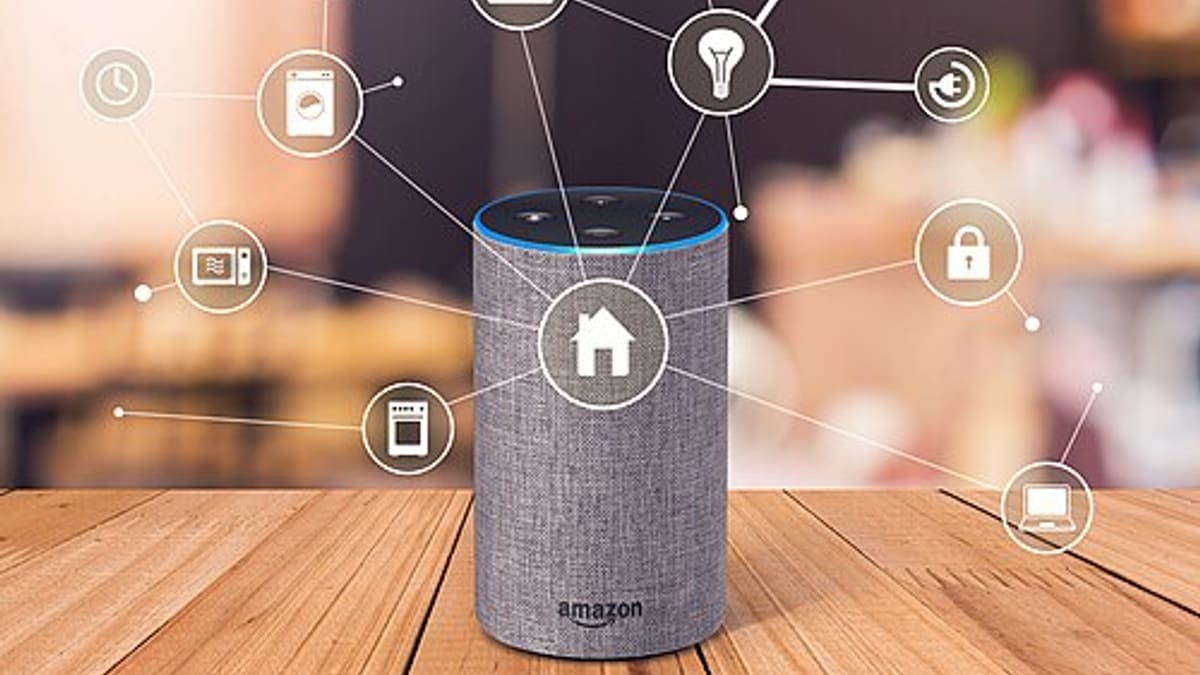
Smart home and home automation installers work at the meeting point of electrical contracting, networking, audio-visual integration and customer service. A single project might involve lighting control, motorised blinds, multi-room audio, CCTV, video doorbells, access control and a home network — each with its own devices, settings and suppliers. Homeowners expect a polished experience from the first visit to years of support afterwards. Running all that on spreadsheets and chat groups quickly becomes painful.
The smart home project lifecycle
- Enquiry and consultation — understanding the homeowner's needs and budget.
- Site survey — room by room, with photos, measurements and existing wiring.
- Design and quotation — devices, wiring, labour and options per room.
- Coordination with the build — first-fix cabling during construction or renovation.
- Second fix and installation — devices mounted and connected.
- Programming and commissioning — scenes, schedules, integrations and apps set up.
- Handover — training, documentation and sign-off.
- Support — fixes, changes, updates, additions and maintenance plans.
Site surveys that feed the quote
A mobile survey app organised by room lets the surveyor capture requirements, photos, ceiling types, existing switch positions, network coverage observations and constraints. These feed directly into the quotation, so nothing noticed on site is lost. See our site survey app guide.
Room-by-room quotations
Homeowners understand rooms, not product codes. Quotations organised by room — living room: lighting keypad, blinds motors, speakers; bedrooms: lighting, climate sensors — with good, better and best options help them decide. Standard packages for common rooms speed up quoting. Approved quotes become the project's bill of materials and task list.
Managing project stages
Smart home projects often stretch over months because they follow the build. Tracking each project by stage — first fix, second fix, programming, handover — with dates, assigned technicians and dependencies on other trades keeps everyone aligned. Site photos at first fix are invaluable later, when a cable needs to be traced behind finished walls.
Materials and procurement
Devices are often ordered per project, sometimes with long lead times. Linking purchase orders to projects, tracking deliveries and allocating stock prevents the common situation where a technician arrives for second fix and a key device hasn't arrived.
Device and configuration records
After commissioning, the most valuable thing an installer owns is accurate documentation: every device, its location, model, firmware version where relevant, network address, scene and schedule settings and integration notes. Stored centrally, this makes support visits faster and protects the business when a technician leaves. Credentials and access details need careful handling — restricted access, clear policies and, where appropriate, the homeowner holding master credentials.
Handover
A professional handover includes a walkthrough, a simple user guide for the household, warranty information and a signed acceptance. Generating a handover pack from the project record — rooms, devices, how-to notes and support contacts — makes this consistent across projects.
Support and service plans
After handover, homeowners call for many reasons: a scene stopped working, a device dropped off the network, an app update changed something, or they want to add a room. Support tickets linked to the home and its devices, with history visible to whoever picks up the call, make support faster. Annual support plans — with periodic health checks, updates and priority response — provide recurring revenue and are easy to manage as service contracts.
Working with builders and designers
Many projects come through architects, interior designers and builders. Tracking referrals and project partners, and sharing stage updates where appropriate, strengthens these relationships and helps the installer plan around construction schedules.
An example
A home automation company with a dozen technicians was handling projects through chat groups and shared folders. Programming notes lived on individual laptops, and support calls often began with "who did this house?". The company moved to a system with room-by-room surveys and quotes, project stages, device and configuration records, and support tickets linked to each home. Handover packs were generated automatically, and support visits became shorter because technicians arrived knowing exactly what was installed.
What to look for
- Room-based survey and quotation tools with options and packages.
- Project stages aligned with construction.
- Procurement linked to projects.
- Device and configuration records with controlled access.
- Handover packs and sign-off.
- Support tickets and service plans.
- Partner and referral tracking.
Corposol builds custom project and service software for installers. Talk to us about yours.
Snagging and change requests
Near the end of a project, homeowners and designers find small issues and ask for changes: a keypad moved, a scene adjusted, an extra speaker. Recording each snag and change request against the room, with photos, owner and status, prevents items being forgotten and makes it clear which changes are within the original scope and which should be quoted as extras. A clean snag list closed before handover is one of the strongest signs of a professional installer.
Measuring the business
Track project margin against quote, labour hours per project stage, support tickets per home in the first ninety days, and support plan renewals. Homes with many early tickets often point to commissioning or handover steps that need improvement, while margin by project type shows which work the business should pursue.
Frequently asked questions
Can quotations be built room by room?
Yes. Surveys and quotations can be organised by room or zone, with devices, accessories, labour and options, so homeowners see clearly what they're getting.
Can we store device configurations and network details?
Yes. Device lists, IP addresses, scenes and configuration notes can be recorded per project. Sensitive credentials should be stored with proper access controls and only where your security policy allows.
Can homeowners raise support requests?
Yes. A customer portal or WhatsApp link can create a support ticket linked to the home and its devices.
Does it work with specific automation platforms?
The software manages your projects, people and records rather than controlling devices. Any connection to a specific platform's cloud or API is assessed case by case; we don't promise integrations up front.
Can we sell ongoing support plans?
Yes. Annual support or maintenance plans with visits, remote support entitlements and renewals can be managed like any service contract.