Most small manufacturers plan production in a spreadsheet or whiteboard. The plan looks fine on Monday morning, but by Tuesday a breakdown, a rush order and a late material delivery have made it obsolete. Delivery dates are promised based on hope, and supervisors spend their days firefighting. Finite capacity scheduling builds schedules that respect what machines, people and materials can actually deliver — and updates them when reality changes.
Infinite loading versus finite capacity
Traditional planning — including classic MRP — often assumes infinite capacity: every job is planned backwards from its due date, regardless of how many other jobs need the same machine at the same time. The result is overloaded weeks in the plan that nobody can execute. Finite capacity scheduling places each operation on a specific resource at a specific time, never exceeding available hours. If the capacity isn't there, the job moves later — and the system shows which orders will be late, before they are.
What the scheduler needs
- Routings: the sequence of operations for each product, with the resources that can perform each.
- Cycle times and setup times: realistic, ideally from shop floor data rather than old estimates.
- Calendars: shifts, breaks, holidays and planned maintenance per resource.
- Resource constraints: machines, but also tools, moulds, skilled operators or inspection capacity where they limit output.
- Material availability: jobs shouldn't be scheduled before their material arrives.
- Orders: quantities, due dates and priorities.
Scheduling rules
Schedulers use rules to decide sequence: earliest due date, priority customers first, minimise setups by grouping similar jobs, or protect the bottleneck. In practice, a combination works best — for example, sequence by due date but group jobs with the same tooling or colour where it doesn't delay deliveries.
Focus on the bottleneck
In most factories, one or two resources limit throughput. Scheduling these carefully — minimising setups, preventing starvation, keeping them running through breaks — has the greatest impact. Non-bottleneck operations can be scheduled around them. See the six big losses.
Realistic delivery dates
When a new order arrives, finite scheduling can show when it could realistically be delivered given current load — and what would move if it's prioritised. Sales can give customers dates they can trust, rather than dates that are guessed and later missed.
Keeping the schedule live
A schedule is only realistic if it reflects what is happening. When shop floor data — job starts and completions, breakdowns, rejects — flows back into scheduling, the plan can be recalculated daily or each shift. Planners then see the knock-on effects of a breakdown immediately and can decide what to move. See WIP tracking.
The planner's role
Scheduling software doesn't replace planners; it gives them better tools. Planners know things the system doesn't — a customer who will accept a partial delivery, an operator who is faster on a particular job, a supplier who is reliably early. Good tools allow drag-and-drop changes with instant feedback on consequences.
Visual schedules
A Gantt chart by machine shows the schedule at a glance: jobs, setups, idle gaps and late orders highlighted. Supervisors see their shift's sequence on screens or tablets at the machines, and operators know what's next without asking.
An example: a precision machining shop
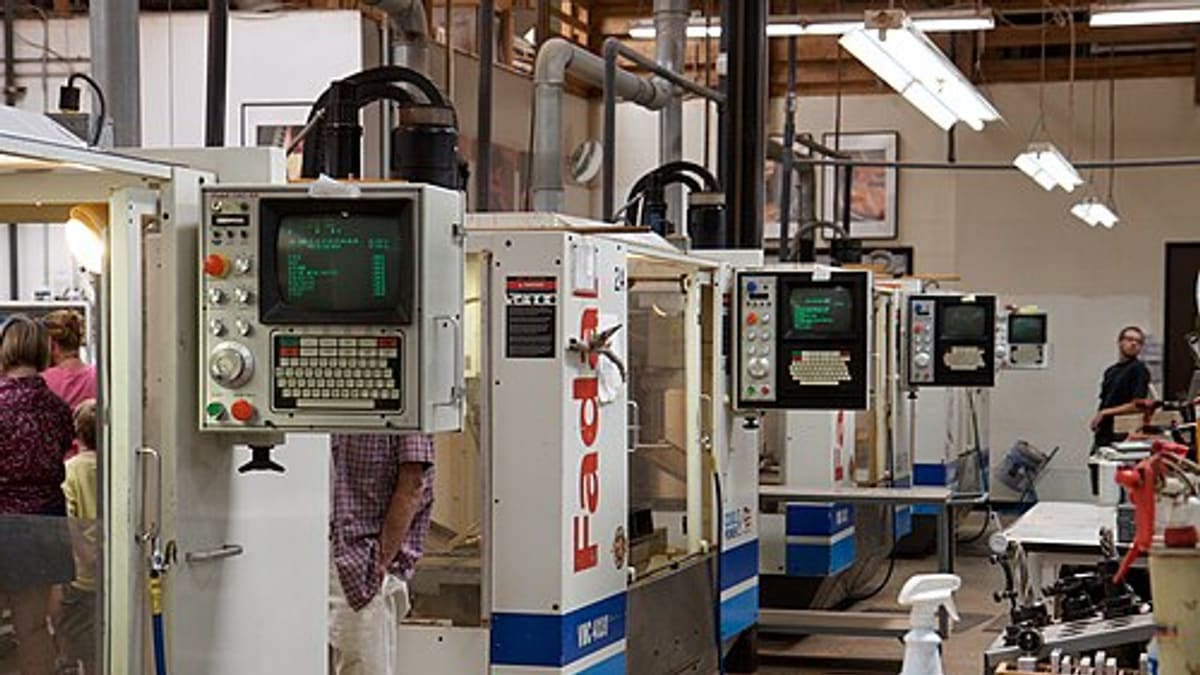
A machining shop with twenty-five CNC machines and hundreds of open jobs scheduled by spreadsheet. On-time delivery hovered around two-thirds, and the owner spent hours each day reprioritising. A finite scheduling tool, fed with routings, realistic cycle times from shop floor booking and machine calendars, showed that two five-axis machines were the bottleneck and were overloaded for the next three weeks. The shop moved suitable work to other machines, grouped jobs by fixture to reduce setups and gave customers revised dates early. On-time delivery improved steadily, and daily firefighting meetings shrank to a short schedule review.
Getting started
Clean up routings and cycle times for your main products, define machine calendars and identify the bottleneck. Start by scheduling the bottleneck finitely and the rest loosely, then extend as data quality improves and shop floor booking feeds actual progress back.
Common mistakes
- Inaccurate cycle and setup times, producing unrealistic schedules.
- Scheduling without checking material availability.
- Running the schedule once a week and never updating it.
- Expecting software to replace planner judgement.
- Ignoring tools, moulds or skilled labour as constraints.
How software helps
Production planning and scheduling software builds finite schedules from routings, calendars and orders, shows Gantt charts and late orders, and updates with live shop floor data. See production planning and scheduling software.
Talk to us about realistic scheduling for your factory.
Measuring schedule quality
Track schedule adherence — the share of operations completed in the planned shift — alongside on-time delivery and bottleneck utilisation. Low adherence usually points to unrealistic cycle times, missing material or too many priority changes, all of which are fixable once measured.
Scheduling with constrained labour
In many SMEs, skilled people rather than machines are the real constraint: one setter for several machines, or a few qualified welders. Modelling these people as resources in the schedule prevents plans that need the same person in two places at once.
Frequently asked questions
What is finite capacity scheduling?
Scheduling jobs onto machines and resources while respecting their actual available capacity, so no resource is planned beyond what it can do.
How is it different from MRP?
MRP calculates what materials and work orders are needed and when, typically assuming unlimited capacity. Finite scheduling then sequences those orders on real resources.
What data does it need?
Routings with operations and resources, cycle and setup times, shift calendars, machine availability, material availability and order due dates.
Does the schedule need to be re-run often?
Yes. Breakdowns, rush orders and delays change reality. Daily or shift-level rescheduling with live shop floor data keeps the schedule realistic.
Can planners override the schedule?
Yes. Good scheduling tools suggest a plan; planners adjust it using knowledge the system doesn't have, then the system recalculates the impact.