
Every improvement in a factory depends on data: what was produced, on which machine, by whom, how long it took, why it stopped, what was rejected and which material was used. Many factories still collect this on paper at the end of the shift, from memory. The result is late, incomplete and sometimes wishful data. Choosing the right shop-floor data collection methods — usually a combination — makes production data timely, accurate and useful without burdening operators.
What data to collect
- Production — job or work order, operation, quantity good and rejected, start and end times.
- Machine status — running, idle, stopped, setup, with stop reasons.
- People — operator, shift, labour time per job.
- Material — batches, heat numbers or serials consumed.
- Quality — inspection results, measurements, defects by type.
- Maintenance — breakdowns, repairs, checks.
Collect only what will be used. Every field operators must fill is a cost; unused data erodes trust in the system.
Paper forms
Strengths: no equipment, familiar, flexible. Weaknesses: filled late, often from memory; handwriting and arithmetic errors; someone must type it into a system; data is days old before anyone sees it. Paper can still serve as a stepping stone — redesigning forms to match the future digital screens makes the later move easier.
Operator tablets and terminals
A rugged tablet or touch terminal at each machine or cell lets operators start and stop jobs, record quantities and rejects, choose stop reasons and see instructions and drawings. Strengths: data in real time, validation at entry (no impossible quantities, mandatory reasons), choice lists instead of free text, and information flowing back to operators. Weaknesses: depends on operator discipline; screens must be designed for gloves, noise and speed. Large buttons, few steps and sensible defaults are essential.
Barcode and QR scanning
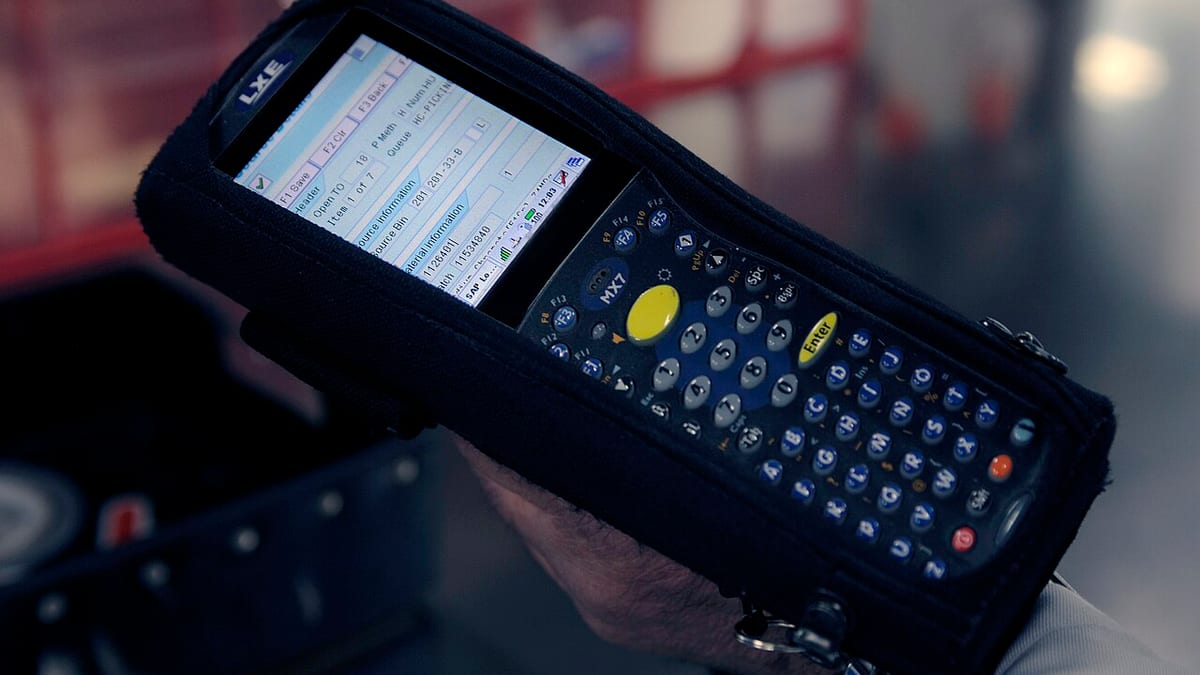
Printing barcodes or QR codes on job cards, material labels, bins, tools and operator badges turns many entries into a single scan. Strengths: fast, nearly error-free identification; low cost — phone cameras or inexpensive scanners work. Weaknesses: labels must be printed and maintained; dirty or damaged labels need replacement. Scanning is the single most effective improvement for accuracy in most factories.
RFID
RFID tags can be read without line of sight and several at once — useful for tracking returnable containers, tools, moulds or work-in-progress through gates. Strengths: hands-free, automatic. Weaknesses: higher tag and reader costs; metal and liquids interfere with reading; needs careful testing. Use it where scanning is genuinely impractical.
Machine signals
Machines can report their own status: running or stopped, cycle counts, alarms, spindle load, temperatures. Newer controllers often provide this through standard interfaces; older machines can be fitted with simple sensors — a current sensor on the motor, a signal from the stack light, a proximity sensor counting cycles. Strengths: automatic, objective, continuous. Weaknesses: signals show that a machine stopped, not why; installation varies by machine. Combine machine signals with operator input of stop reasons for complete downtime data.
Sensors for process and quality
Temperature, pressure, flow, weight and dimensional measurements can be captured directly from instruments and gauges, removing transcription and enabling alerts when values drift out of limits. Digital gauges and scales connected to tablets are a practical middle step for inspection data.
Combining methods
Most factories end up with a mix:
- Tablets for job start, stop, quantities, rejects and stop reasons.
- Barcode scanning for jobs, material, operators and tools.
- Machine signals on key machines for automatic run and stop times and counts.
- Connected gauges or instruments for critical measurements.
Start with tablets and scanning across the shop, add machine signals to bottleneck machines, then extend based on value.
Designing for accuracy
- Capture data at the moment of the event, not at shift end.
- Use scanning and choice lists; avoid free text.
- Validate entries — quantities against job size, reasons mandatory for long stops.
- Show operators their own data and targets on screen.
- Review data daily in shift meetings and act on it.
When operators see that recorded stop reasons lead to fixes, data quality improves on its own.
Practical considerations
Plan Wi-Fi coverage across the shop floor, mounting and protection for tablets, label printers, power for devices, and support when a device fails. Allow the system to work briefly offline if the network drops. Involve operators and supervisors in screen design and pilot on one line before rolling out.
Example
A machining company with 40 CNC machines recorded production on paper shift reports, typed into Excel the next day. Downtime was underestimated and rejects under-reported. Tablets were installed at each machine with barcode scanning of job cards, mandatory stop reasons and reject entry by defect type; current sensors were added to eight bottleneck machines. Within weeks, actual utilisation was visible for the first time, the top three stop reasons became clear, and the daily production meeting moved from discussing yesterday's paperwork to fixing yesterday's problems.
Summary
Choose data collection methods to fit the data and the environment: tablets for operator input, scanning for identification, machine signals for objective run and stop times, and connected instruments for measurements. Capture data at the moment of the event, design for speed and accuracy, and use the data visibly — that is what keeps it reliable.
Frequently asked questions
Do we need machine connectivity to start collecting data?
No. Many factories start with operator entry on tablets and barcode scanning, which captures most of the useful information. Machine signals can be added later for automatic run and stop times.
Is barcode scanning worth it for a small factory?
Usually yes. Printed labels and low-cost scanners or phone cameras remove typing errors in job numbers, part codes and quantities and make each entry much faster.
Can old machines provide data?
Often, using simple add-on sensors or signal tapping for run and stop status, cycle counts or power draw, even when the machine controller has no network interface.
Will operators accept entering data on tablets?
They do when entries are quick, screens are designed for the shop floor, and the data is used to help them — for example to fix recurring stoppages — not only to measure them.
How accurate is manual data?
It depends on design. Entries made at the moment of the event, with scanning and choice lists instead of free text, are far more accurate than forms filled at the end of the shift.


