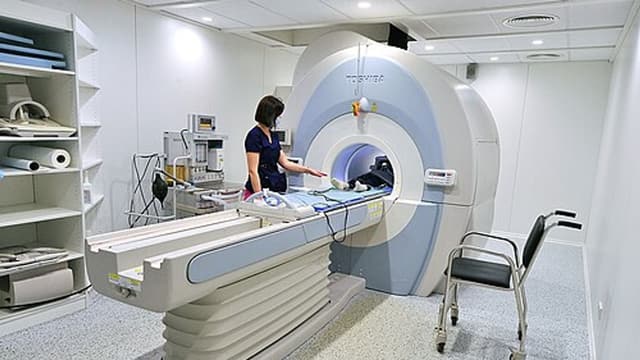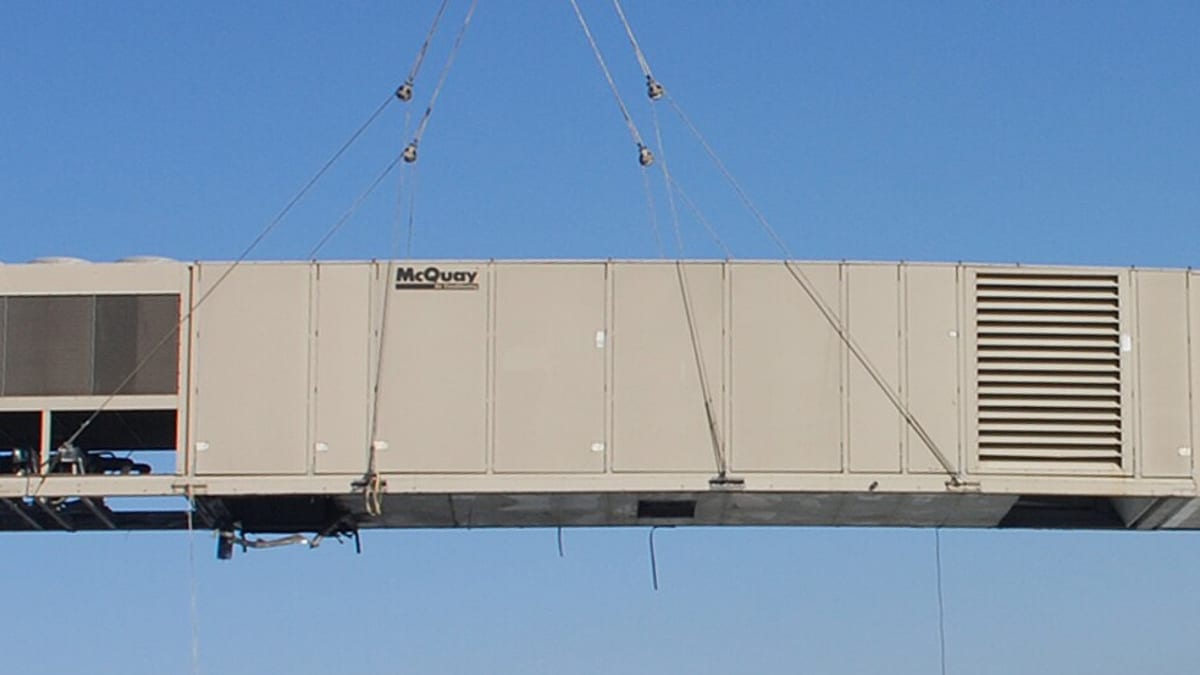
For equipment manufacturers, dealers and service companies, the machines already in the field are one of the most valuable assets the business has — even though it does not own them. Every installed chiller, generator, compressor, lift, medical device, machine tool or UPS is a source of service revenue, spare parts sales, contract renewals, upgrades and, eventually, replacement. Yet many companies cannot answer simple questions: how many of our units are running in this city? Which are out of warranty but not under contract? Which are more than ten years old? Installed base management makes these answers available.
What an installed base record contains
- Identity — model, serial number, QR or asset tag, year of manufacture.
- Location — customer, site, building, floor or area, GPS coordinates.
- Ownership and contacts — owner, operator, site contact, and any dealer or partner responsible.
- Configuration — options, key components and their serial numbers, software or firmware version.
- Dates — sale, installation, commissioning, warranty start and end.
- Coverage — warranty, extended warranty, AMC or service contract, with terms.
- History — every service visit, breakdown, part replaced, reading, inspection and report.
- Status — running, under repair, decommissioned, moved, replaced.
Building the installed base
Most companies start with scattered data: sales invoices, installation reports, warranty registrations, AMC lists and technicians' knowledge. Building the installed base usually takes three steps:
- Import what exists — sales and installation records, contract lists, warranty registrations — cleaned and de-duplicated.
- Verify in the field — on each service visit, the technician confirms the serial number, location and condition, corrects errors and adds missing equipment.
- Tag equipment — QR labels on each unit make future identification instant and accurate.
Within a year of regular visits, the installed base becomes far more accurate than any one-time survey.
Keeping it accurate
Equipment moves, changes owners, gets upgraded or is scrapped. Accuracy depends on making updates part of normal work: technicians confirm details on every visit, installation jobs create new records automatically, decommissioning is recorded as a job, and customers can report changes through the portal. Data quality checks — units without location, duplicates, missing serials — should run regularly.
Using the installed base in service
With a good installed base, service becomes faster and better. When a call comes in, the coordinator identifies the exact unit, sees its coverage (warranty, contract or chargeable), history and configuration, and sends a technician with the right skills and likely parts. Technicians scan the QR code on site to see history and record work against the right unit. Repeat failures on the same unit become visible.
Contracts and renewals
Linking contracts to specific units, not just customers, prevents disputes about what is covered. Warranty and contract expiry dates drive renewal reminders. Units that come out of warranty without a contract are a clear list for the service sales team.
Sales opportunities
- Warranty ending — offer extended warranty or AMC.
- Contracts lapsed — win back customers.
- Ageing equipment — propose upgrades, retrofits or replacement before failures become frequent.
- Frequent breakdowns — offer overhauls or replacement with data to justify it.
- Consumables and spares — predictable needs based on model and usage.
Because every opportunity comes with real history, conversations are more credible than cold sales calls.
Dealers and partners
Where dealers or service partners install and service equipment, the installed base should be shared: partners record installations and service visits through a partner portal or app, so the manufacturer sees the full picture across the network. Clear rules on who owns which customer and data avoid conflict.
Analysis for product and planning
Installed base data, combined with service history, shows failure patterns by model, component and age, average running life, and service effort per unit. This helps engineering improve products, service managers plan preventive maintenance and spare parts stocking, and management forecast service revenue.
Common mistakes
- Treating sales records as the installed base.
- Recording service against customers instead of specific units.
- One-time data clean-up with no ongoing updates.
- No unique identification on equipment.
- Installed base data locked in the service team, unused by sales.
Example
A distributor of industrial air compressors had sales records going back 15 years but no reliable view of where units were or who serviced them. Sales and installation records were imported, and technicians verified and QR-tagged units during visits. Within a year, about 3,000 units were confirmed, hundreds of which were out of warranty with no contract. The service sales team worked through this list with history in hand, increasing contract coverage, and older units with frequent breakdowns became a steady source of replacement enquiries.
Summary
An installed base turns past sales into a living record of every unit in the field — its location, configuration, coverage and history. Build it from existing records, verify and tag in the field, keep it updated through normal work, and use it for faster service, contract renewals, sales opportunities and product insight.
Frequently asked questions
What is an installed base?
The complete record of every unit of equipment you have sold, installed or serviced — where it is, who owns it, its configuration, warranty and contract status, and its service history.
We have sales records — isn't that enough?
Sales records show what was invoiced, not where equipment is now, how it is configured, whether it is still running or who services it. An installed base is maintained throughout the equipment's life.
How do we build the installed base from scratch?
Start from sales and installation records, then verify and enrich it during service visits — technicians confirm location, serial number and condition, and tag equipment with QR codes.
Can customers see their own equipment?
Yes. A customer portal can show each customer their equipment, warranty and contract status, service history and reports, and let them raise service requests against a specific unit.
How does the installed base help sales?
It shows equipment approaching warranty end, contract renewal, end of life or due for upgrades — giving sales a list of real opportunities with full history.