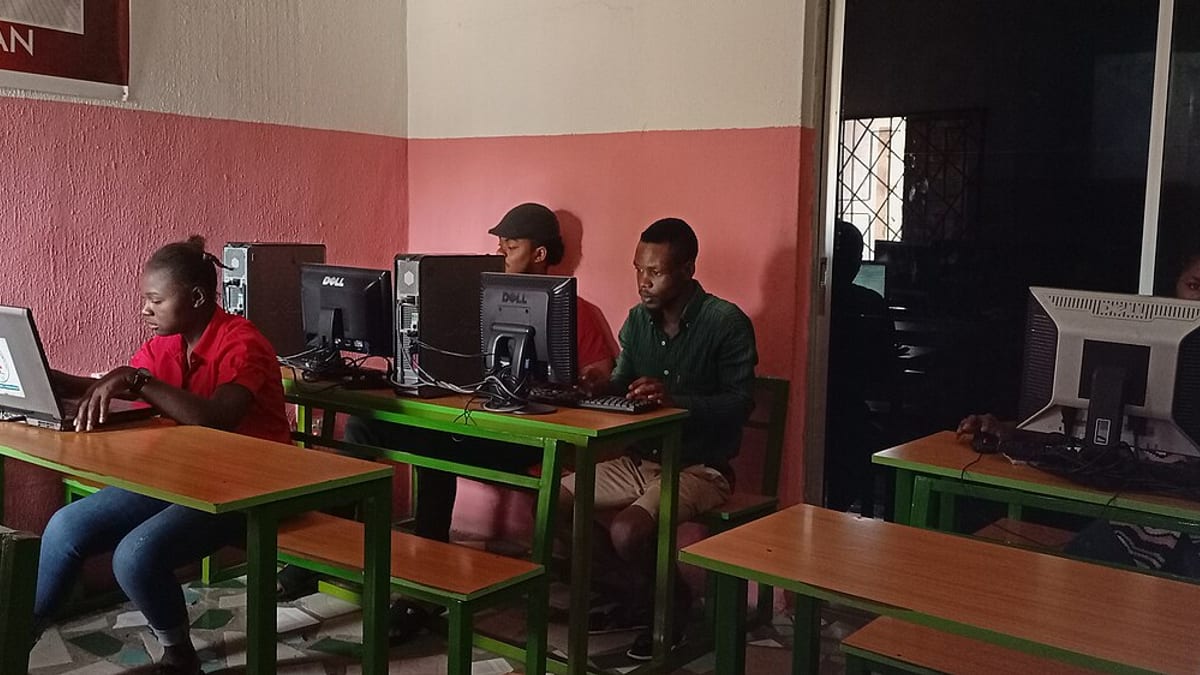
Many software projects that are delivered on time, on budget and to specification still fail — because people do not use the software, or use it reluctantly and keep their old spreadsheets on the side. A field service app that technicians fill in at the end of the week from memory, a production system where operators book everything at shift end, a CRM where salespeople log activities only before review meetings: the software exists, but the business benefit does not. Adoption is not an afterthought to software delivery; it is where the value is realised.
This guide explains why people resist new systems and what business owners and managers can do — before, during and after launch — to win genuine adoption.
Why people resist
Resistance is rarely about technology. It is usually about people's reasonable concerns:
- Effort now, benefit later. Learning a new system takes time when everyone is already busy.
- Benefit for someone else. The technician enters more data; the manager gets the report. If the person entering data gets nothing back, motivation is low.
- Loss of competence. Experienced employees who mastered the old way become beginners again.
- Fear of mistakes. Especially when errors are visible to managers or customers.
- Fear of monitoring. Location tracking, time stamps and dashboards can feel like surveillance.
- Bad past experiences. Previous systems that were imposed and then abandoned.
- Real problems. Sometimes the software genuinely makes their job harder.
The last point matters. Resistance is often a signal, not just an obstacle. Listening to it improves the software.
Adoption starts in design, not training
The most effective adoption strategy is software that makes users' work easier. That is decided long before training:
- Involve real users in discovery. Watch them work; ask what frustrates them; collect their workarounds.
- Design for their conditions. A technician in a plant room, an operator wearing gloves, a salesperson between meetings, a coordinator handling fifty calls.
- Minimise data entry. Every field should earn its place. Use scanning, defaults, choice lists and data from other steps.
- Give something back. The technician sees job history and parts availability; the operator sees their targets and the next job; the salesperson gets quotations generated in seconds.
- Test prototypes with users. Their reactions to a clickable prototype predict their reactions to the real system.
When users helped shape the software, they defend it to their colleagues.
Leadership and the "why"
People need to understand why the change is happening and what it means for them. Senior leaders should explain the reasons in plain terms — missed AMC visits costing customers, stock errors causing late deliveries, hours lost to re-typing — and what will improve for staff. They should also be visibly involved: attending demos, using the system's reports in meetings, and responding to concerns. If leaders keep asking for the old spreadsheets, everyone will keep making them.
Be honest about monitoring. If the system records locations or times, explain what is recorded, why and how it will — and will not — be used. Transparency builds more trust than silence.
Champions
Identify a few respected people from each team to act as champions: involve them in testing, train them first and more deeply, and make them the first point of contact for colleagues' questions. Champions should be people others listen to — not necessarily the most senior or the most technical. A respected senior technician saying "this actually saves me time" is worth more than any memo.
Training that works
- By role. Each role learns only what it needs, using its own scenarios.
- Close to go-live. Training weeks in advance is forgotten by launch day.
- Hands-on. People learn by doing their own tasks in a training environment, not by watching slides.
- Short. Several short sessions beat one long one.
- Supported by quick guides. One-page guides, short videos and in-app tips for common tasks.
- In the right language. Use the language your teams are comfortable with, in training and, where possible, in the software.
Launch support
The first days of real use are when adoption is won or lost. Plan for intensive support:
- Champions and development team members available on the floor, in the depot or on a call.
- A simple way to report problems and get quick answers.
- Daily short check-ins during the first week to collect issues and share fixes.
- Quick fixes for small irritations — a missing default, an unclear label — which show users they are being heard.
Rolling out in stages — one branch, team or line at a time — lets you refine training and fix issues before the next group starts.
Removing the old way
As long as the old spreadsheet, paper form or WhatsApp group still works, some people will keep using it. After a short, defined transition period, remove the old path: archive the spreadsheet, stop printing the old forms, stop accepting reports outside the system. Managers must back this consistently — a single exception ("just send me the Excel this once") undermines it.
Measuring adoption
Do not rely on impressions. Measure:
- Active users by role, compared with the number expected.
- Records created in the system versus expected volumes (jobs, orders, bookings).
- Timeliness — data entered at the moment of work versus at shift or week end.
- Completeness — required information present, photos attached, reasons recorded.
- Workarounds — surviving spreadsheets, paper forms or parallel messaging.
- User feedback — short surveys or conversations after the first month.
Low adoption in one team often points to a specific cause: a missing feature, a poor device, a supervisor who has not bought in, or a training gap.
Handling resistance with respect
When someone resists, start by listening. Ask what is hard. Watch them use the system. Often, there is a real problem: slow screens on an old phone, a step that makes no sense for their type of work, a report they used to rely on that has disappeared. Fixing it turns a critic into a supporter. When resistance persists without a genuine reason, managers need to be clear and consistent: the system is now how the work is done, with support offered and expectations explained.
Recognise and celebrate
Share early wins: the first month with no missed AMC visits, the quotation that went out in one hour instead of three days, the technician who closed all jobs on time with photos. Recognise teams and individuals who adopt well and help others. Visible success makes the new way normal.
An adoption plan on one page
| Phase | Actions |
|---|---|
| Before development | Involve users in discovery; explain the why; choose champions. |
| During development | Test prototypes with users; share demos; prepare role-based scenarios. |
| Before launch | Role-based hands-on training; quick guides; devices ready; support plan. |
| Launch | Staged rollout; floor support; daily check-ins; quick fixes. |
| After launch | Remove old tools; measure adoption; listen and improve; celebrate wins. |
Example
A service company had tried a technician app once before; technicians abandoned it within months, saying it was slow and pointless. For the second attempt, two senior technicians joined discovery and tested prototypes in the field. The new app showed job history and parts availability, reduced closing a job to a few taps and worked offline. The senior technicians became champions and trained their teams. Launch happened branch by branch, with the development team in the depot for the first mornings. Paper job sheets were withdrawn after two weeks. Within two months, nearly all jobs were closed in the app on site, with photos and signatures — and the technicians who had resisted most were asking for new features.
Summary
Software creates value only when people use it well. Understand why people resist, design the software around their work and give them something back, explain the reasons honestly, recruit respected champions, train by role close to launch, support intensively in the first days, remove the old way, measure adoption and listen to resistance as a source of improvement. Adoption is not luck; it is managed, like any other part of the project.
The supervisor's role
Front-line supervisors have more influence on adoption than anyone else. They decide, every day, whether work is reviewed in the system or on paper, whether incomplete entries are corrected, and whether a struggling colleague gets help or permission to skip the system. Involve supervisors early, train them first, give them the reports they need to run their teams from the system and make adoption part of their responsibilities. A supervisor who opens the morning meeting with yesterday's jobs on the system dashboard does more for adoption than any training session.
Devices, connectivity and the basics
Adoption often fails for practical reasons that are easy to overlook: old phones that run the app slowly, shared tablets with flat batteries, weak Wi-Fi on the shop floor, no mobile data allowance for technicians, printers that are not set up for the new labels. Check the basics before launch — devices, charging, connectivity, logins and passwords, printers and scanners — and have spares ready. Nothing undermines confidence in a new system faster than a first morning spent waiting for screens to load.
Adoption for customer-facing software
When the users are customers or dealers — a booking portal, an ordering app, a service request page — you cannot train or instruct them. Adoption depends on the software being easier than the old way and on gentle guidance: clear links in emails and invoices, a short onboarding message, staff who encourage customers to use the portal rather than call, and quick help when someone gets stuck. Measure how many customers use the new channel and follow up with those who do not; often a short phone call to walk them through the first order is enough to change the habit.
Frequently asked questions
Why do employees resist new software even when it is better?
Because change costs them effort and confidence in the short term, and the benefits often go to someone else. People also fear looking slow or making mistakes, and some worry about being monitored. Addressing these concerns directly is more effective than insisting.
Should we run the old and new systems in parallel?
Briefly, if needed for safety — for example, one billing cycle. Long parallel running doubles work and lets people avoid the new system. Set a clear end date for the old way.
How much training is enough?
Short, role-specific sessions close to go-live, followed by support on the job, work better than long general training weeks in advance. Most learning happens in the first days of real use.
What if a senior employee refuses to use the system?
Find out why — there may be a real problem with the software or their workload. Involve them in fixing it. If the issue is resistance rather than a genuine problem, management must be clear that the new system is the way work is done.
How do we know adoption is working?
Measure usage directly — logins, records created in the system, tasks completed on time — and watch for workarounds such as parallel spreadsheets or paper forms that should have disappeared.