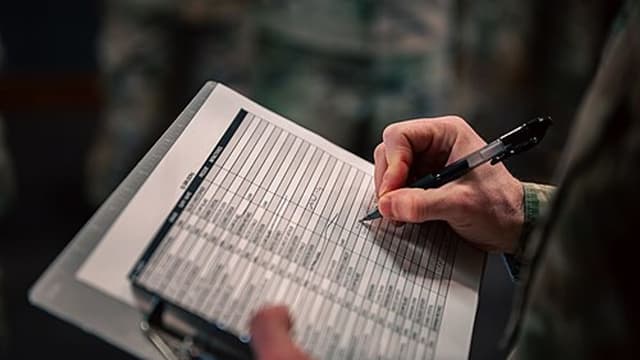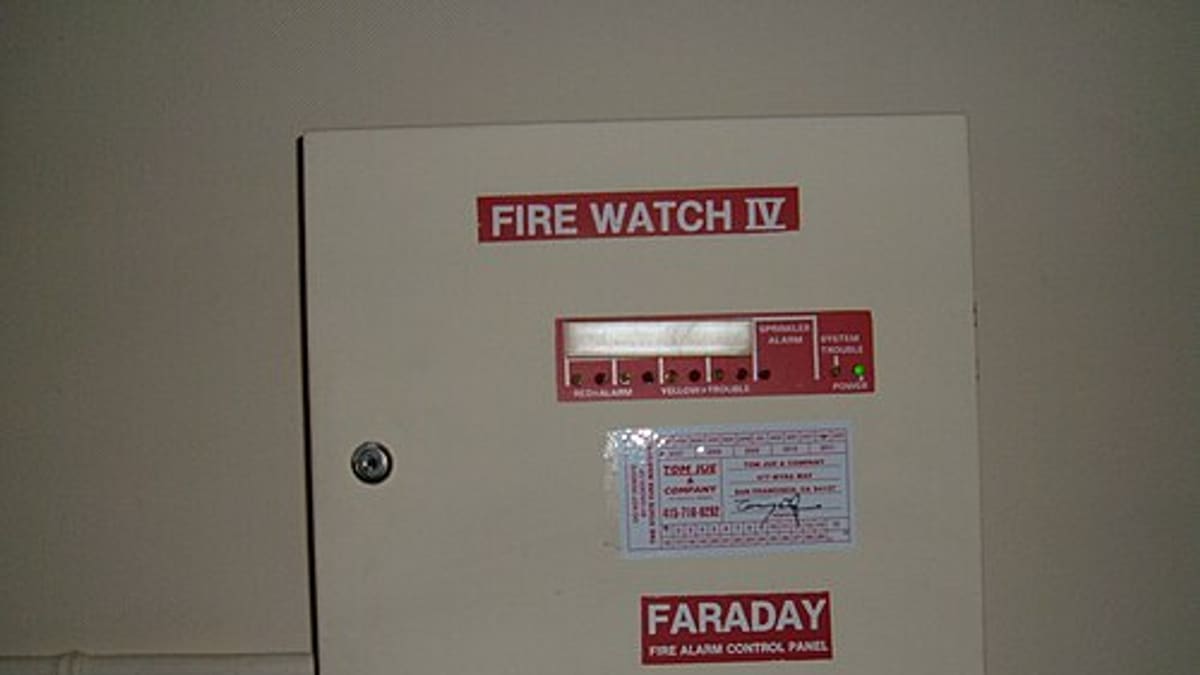
Fire alarm contractors carry a particular kind of responsibility. Their customers rely on systems that may sit silent for years and must work perfectly on the one day they're needed. Proving that the system was tested, which devices passed, which failed and what was done about it is a core part of the job. Yet many fire alarm service companies still manage this with paper test sheets, spreadsheets of device lists and reports typed up in the office days later.
This article looks at how fire alarm service software organises the work — from the site and device register to testing visits, faults and customer reporting.
The fire alarm service workflow
- Installation and commissioning — panels, loops, detectors, call points, sounders and interfaces are installed and commissioned.
- Handover — the device list, zone plan and documents are handed to the building owner.
- Service contract — periodic inspection and testing visits agreed with the customer.
- Testing visits — panel checks, battery tests, a planned portion of devices tested each visit.
- Faults and false alarms — reactive call-outs for panel faults, device failures and nuisance alarms.
- Remedial work — quoting and replacing failed or obsolete devices.
- Reporting — service reports and records for the customer and, where required, inspectors or insurers.
Site, panel and device register
The foundation is a structured record of each site: buildings and floors, panels, loops, zones and every device with its address, type, location description and installation date. Ideally, this register is created during installation and commissioning, so the service team starts with an accurate list instead of rebuilding it on the first visit. Floor plans and zone charts can be attached.
Device-level records answer questions that otherwise take hours: which detectors on the third floor were last tested when, which call points failed last year, which devices are of an obsolete type that will need replacing.
Planning periodic testing
Many service regimes test a portion of devices on each visit so that every device is tested within a defined cycle. Tracking that coverage on paper is error-prone. Software can:
- Create visits automatically from the contract schedule.
- Show the technician which devices are due on this visit.
- Track coverage, so devices are not skipped visit after visit.
- Include standard panel, battery, power supply and interface checks on every visit.
The testing frequencies and methods themselves should follow the standards and codes that apply to each site; the software's job is to make sure the plan is followed and recorded.
Testing on site
On the technician's mobile app, the device list for the visit appears by zone or floor. As each device is tested, the technician marks the result — pass, fail, not accessible — with notes and photos where needed. Scanning a QR or barcode label on the device or its base, where the contractor uses labels, confirms the technician was at that device. Failed devices automatically become follow-up items.
Offline capability matters: basements, plant rooms and stairwells often have no mobile signal. Results are stored on the device and synced when connectivity returns.
Faults and false alarms
Reactive calls — panel faults, earth faults, device failures, false alarms — are logged as service jobs linked to the site and, where known, the device. Recording the cause of each false alarm (dust, steam, cooking, contractor work, device fault) helps identify problem devices and locations, and supports conversations with customers about relocation or change of detector type.
Remedial work and quotations
Every failed or obsolete device is an opportunity to help the customer and generate legitimate work. The software can turn failures from a visit into a quotation with the devices, quantities and labour, send it to the customer for approval and convert the approved quote into a job. Tracking open remedial items per site also protects the contractor: it shows that recommendations were made and when.
Reports customers can use
A good service report includes the visit date, technicians, panel and battery readings, devices tested with results, failures, faults found, actions taken and recommendations. Generated at the end of the visit and emailed automatically — or available on a customer portal — reports become a selling point. Building owners and facility managers can find any past report in seconds.
See our guide on what to include in a field service report.
Contracts and renewals
Service contracts with visit frequencies, covered sites and renewal dates sit at the centre of a fire alarm business. Renewal reminders, visit compliance by contract and a list of overdue visits help the business keep contracts and avoid the reputational damage of a missed inspection.
Technician competence
Fire alarm work often requires specific training. Keeping a record of each technician's training and authorisations, with expiry dates, helps dispatchers assign the right people and gives managers early warning of renewals.
An example
A fire alarm contractor serving offices, hospitals and warehouses had hundreds of sites with device lists in spreadsheets and test sheets on paper. Reports took up to a week to reach customers. After moving to field service software, device lists were imported and cleaned site by site, technicians recorded results per device on tablets, and reports were emailed before the technician left the site. Failed devices became quotations the same day, and remedial work revenue grew noticeably, simply because nothing was forgotten.
What to look for
- Site, panel, loop, zone and device hierarchy.
- Device-level test results with coverage tracking.
- Offline mobile app with photos and signatures.
- Automatic visit scheduling from contracts.
- Fault and false alarm logging with causes.
- Remedial quotations from failed devices.
- Automatic customer reports and a customer portal.
- Technician training and authorisation records.
Corposol builds field service management software shaped around your services, sites and reports. Talk to us about software for your fire alarm business.
Frequently asked questions
Can we record test results for each detector?
Yes. Each site can hold its panels, loops, zones and devices, and technicians record a result per device during testing, with photos and notes for failures.
Can the software plan testing so every device is covered over the year?
Yes. Many contractors test a portion of devices each visit; the software can track which devices are due so that all are covered within the agreed cycle.
Can customers get their service reports automatically?
Yes. Reports can be generated at the end of the visit and emailed or shared through a customer portal, including failed devices and recommended actions.
Does the software guarantee regulatory compliance?
No software can guarantee compliance. It helps you follow the testing schedule and record evidence; the standards, codes and authority requirements that apply to each site remain the responsibility of the contractor and the building owner.
Can it handle both installation projects and service contracts?
Yes. Installation projects, commissioning, handover and ongoing service contracts can run in the same system, so the device list created at installation becomes the service record.