
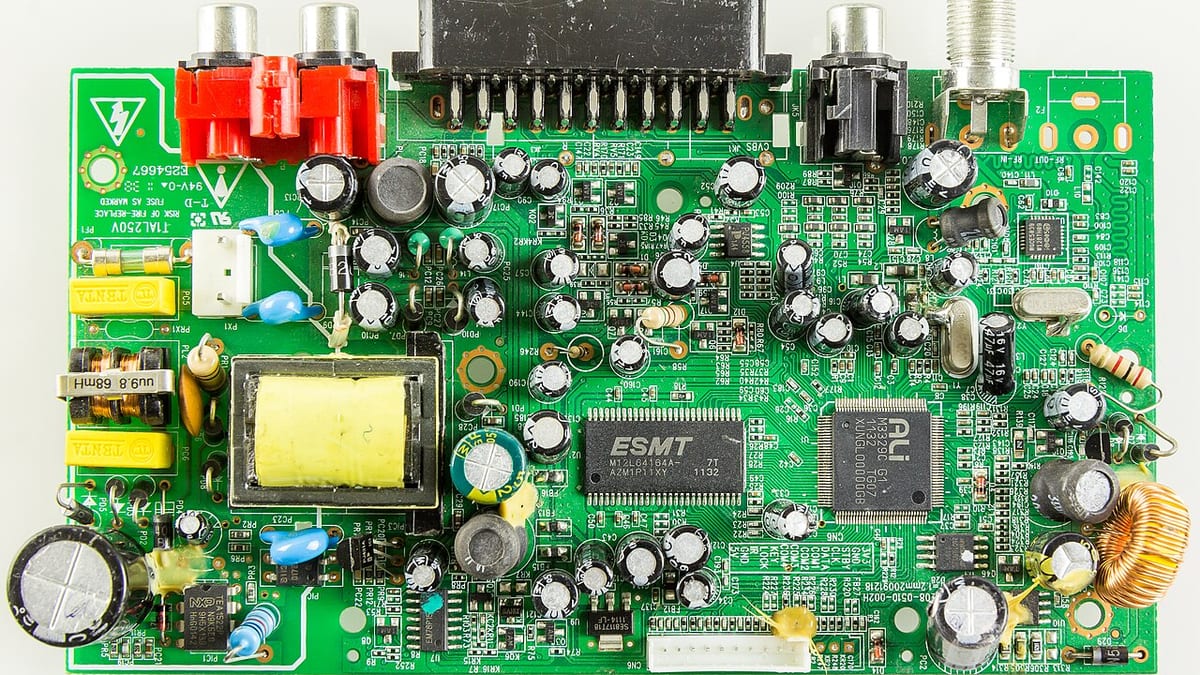
When a technician replaces a faulty part — a compressor, PCB, motor, sensor or pump — the new part is usually tracked carefully. The old one often is not. It sits in the technician's van, gets lost, or arrives at the warehouse months later in a box of unmarked parts. Yet that defective part may be needed to claim warranty from the manufacturer, may be repairable at a fraction of the cost of a new one, or may be exchangeable for credit. Defective parts return tracking recovers that value and closes a common gap in service operations.
Where value is lost
- Warranty claims rejected because the defective part was not returned or could not be identified.
- Repairable parts scrapped because nobody knew they could be repaired.
- Exchange credits missed for core returns to suppliers.
- Customer disputes when the customer asks for the old part back or questions whether it was really replaced.
- Stock confusion when defective parts mix with good stock.
Step 1: Capture at the job
When a part is replaced, the technician app should record the new part issued and the defective part removed: part code, serial number where applicable, fault description, photos and whether the part is to be returned, kept by the customer or scrapped on site. The app can print or assign a tag number to attach to the part, linking it permanently to the job, customer and equipment.
Step 2: Return rules per part
Not every part needs to come back. Set rules per part category or manufacturer:
- Mandatory return — warranty parts, high-value parts, exchange items.
- Scrap on site — low-value consumables, with a photo as evidence.
- Customer retains — when the customer requests the old part, with acknowledgement.
- Return for repair — parts your workshop or a vendor can repair.
The app guides technicians based on these rules, so they do not need to remember them.
Step 3: Technician returns
Each technician has a list of pending defective returns. When they visit the branch or warehouse, they hand over parts, which are scanned against their tags. Pending returns are aged — returns overdue beyond a set number of days are highlighted for supervisors. Some companies block new high-value issues to technicians with long-overdue returns.
Step 4: Warehouse receipt and segregation
Defective parts must be stored separately from good stock, in a clearly marked defective area, by status: awaiting warranty claim, awaiting repair, awaiting return to supplier, awaiting scrap approval. The system records receipt and location, so any part can be found quickly.
Step 5: Warranty claims
For parts under manufacturer warranty, a claim is prepared from job data: product model and serial, installation or sale date, failure description, part replaced, photos and the defective part reference. Claims are batched and sent in the manufacturer's required format, and defective parts are shipped back if required. Each claim is tracked — submitted, approved, rejected with reason, credited — and rejection reasons are analysed to improve future claims.
Step 6: Repair, refurbishment or scrap
Repairable parts go to your workshop or an external repairer. The repair job records diagnosis, work done, cost and test results. Repaired parts return to stock as refurbished, at a defined value, and can be used for out-of-warranty jobs where appropriate and agreed with customers. Parts beyond repair are scrapped with approval, and scrap may be sold where relevant.
Reports
- Pending defective returns by technician and branch, with ageing.
- Defective parts in the warehouse by status and value.
- Warranty claims submitted, approved, rejected and credited, by manufacturer.
- Repair success rate and cost compared with new part cost.
- Failure analysis — which parts fail most, on which models, after how long.
Failure data is also valuable feedback for manufacturers, product selection and preventive maintenance planning.
Common mistakes
- Recording new part issues but not defective part removal.
- Untagged defective parts mixed in boxes.
- No follow-up on technicians' pending returns.
- Claims submitted late, after the manufacturer's deadline.
- Defective and good stock stored together.
Example
An appliance service company handled warranty repairs for several brands. Defective compressors and PCBs were returned irregularly, and many warranty claims were rejected for missing parts or wrong serial numbers. The technician app was updated to record defective part serials and photos at the job, print tag labels and list pending returns. Warehouse staff scanned returns into a segregated defective area, and claims were generated weekly per brand. Claim rejections fell sharply and warranty credits recovered increased substantially within two quarters.
Summary
Track defective parts from the moment they are removed: capture details at the job, apply return rules, follow up technician returns, segregate parts in the warehouse, and manage warranty claims, repairs and scrap to closure. The money recovered — and the failure insights gained — often justify the effort many times over.
Frequently asked questions
Why do defective parts matter if they are faulty anyway?
Many defective parts are worth money: manufacturers often require them back to approve warranty claims, some can be repaired or refurbished, and others are exchanged for credit. Untracked returns mean lost claims and lost value.
How do we know which defective part came from which job?
When a technician replaces a part, the app records the job, the defective part's serial number and fault, and generates a tag or label so the part can be matched when it reaches the warehouse.
What if technicians don't return parts?
Pending returns are listed per technician with ageing. Rules can block new stock issues when returns are overdue beyond a limit, and supervisors review the list regularly.
Can the system prepare warranty claims to manufacturers?
Yes. Claims can be compiled from job data — product serial, failure description, part replaced, photos — in the format the manufacturer requires, and tracked until credit is received.
Do we need to return every defective part?
No. Rules can be set per part or manufacturer: some must be returned, some scrapped on site with a photo, and some kept for repair.


